
Go live on your
own website.
Broadcast from your webcam or phone directly on your own site, with a live chat your visitors can join. No streaming platform needed.
Try it yourself
Preview your studio
Preview your camera right here. This is exactly what you'll see when you go live.
Camera is off
This is so cool!
How do I get started?
Love the quality!
Camera is off
This is so cool!
How do I get started?
Love the quality!
Why go live
Visitors don't talk
to websites.
They talk to people.
Most websites get traffic, then silence. Every visit a missed conversation. Show up, even for 20 minutes a week, and you're something no automation can replicate: actually there.
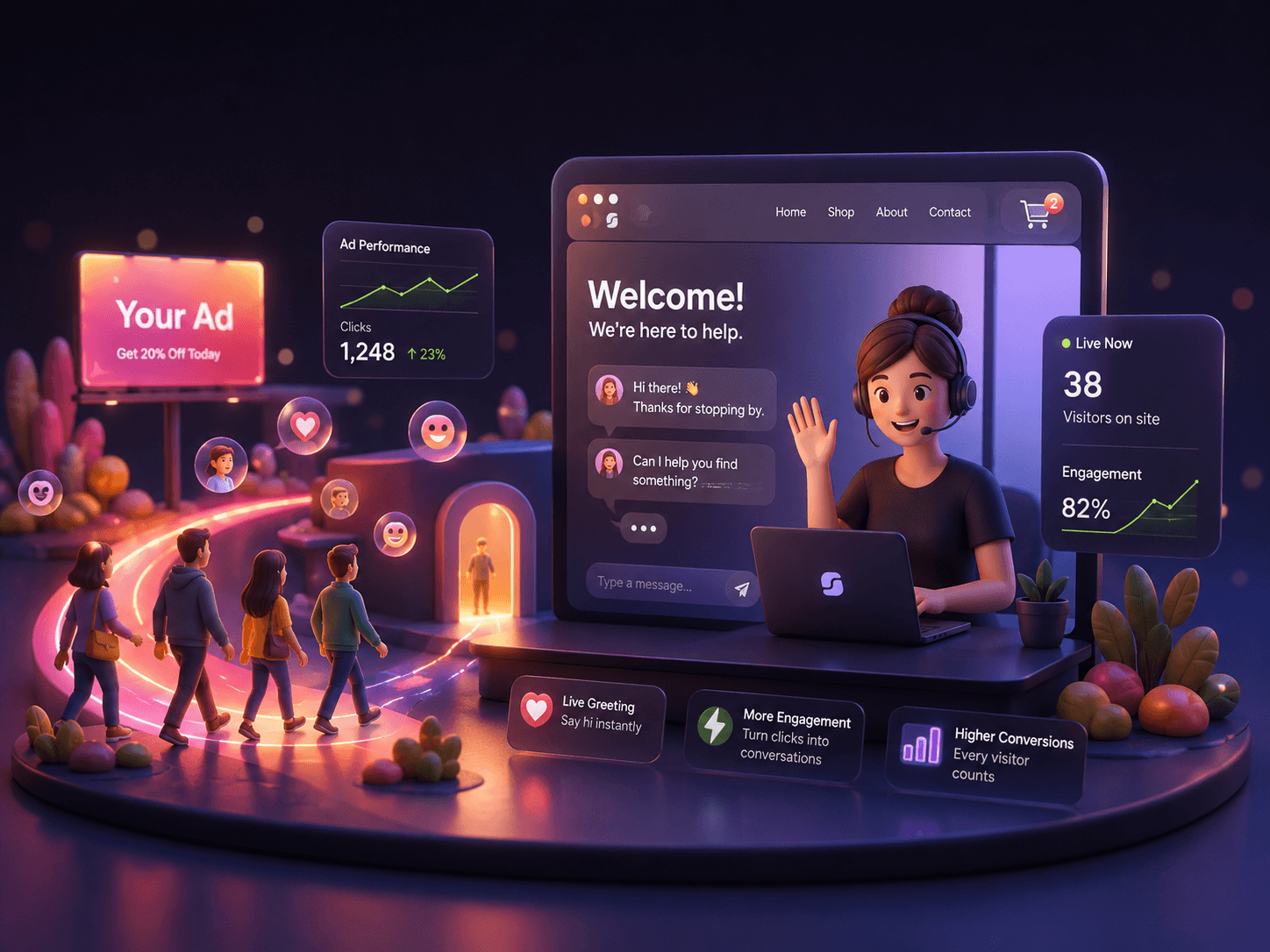
Running ads
Be there when they land
You're paying per click. Make every visitor count by greeting them live the moment they arrive.
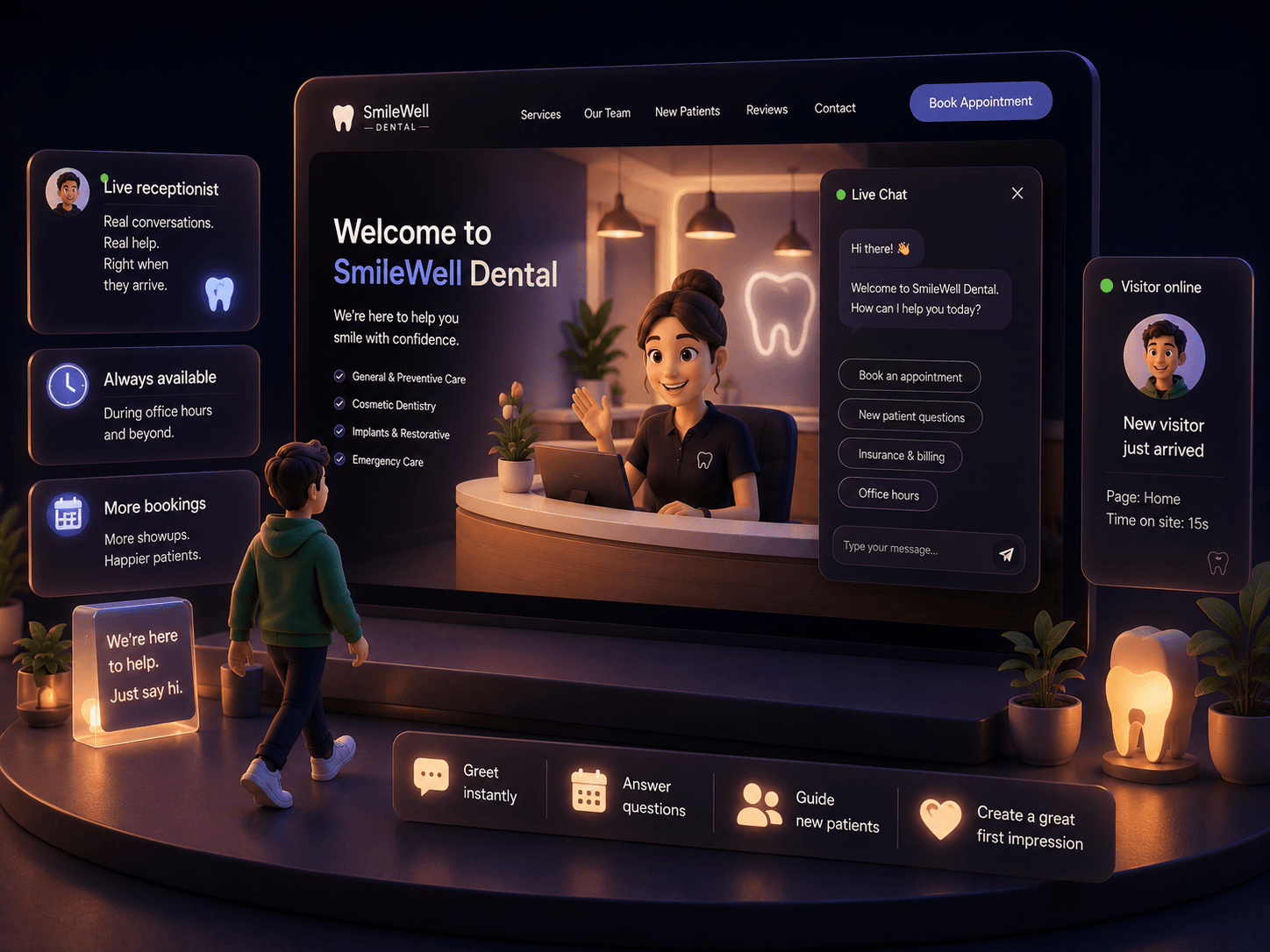
Front desk
Extend your front desk online
Your receptionist already greets people in person. Let them welcome website visitors too.
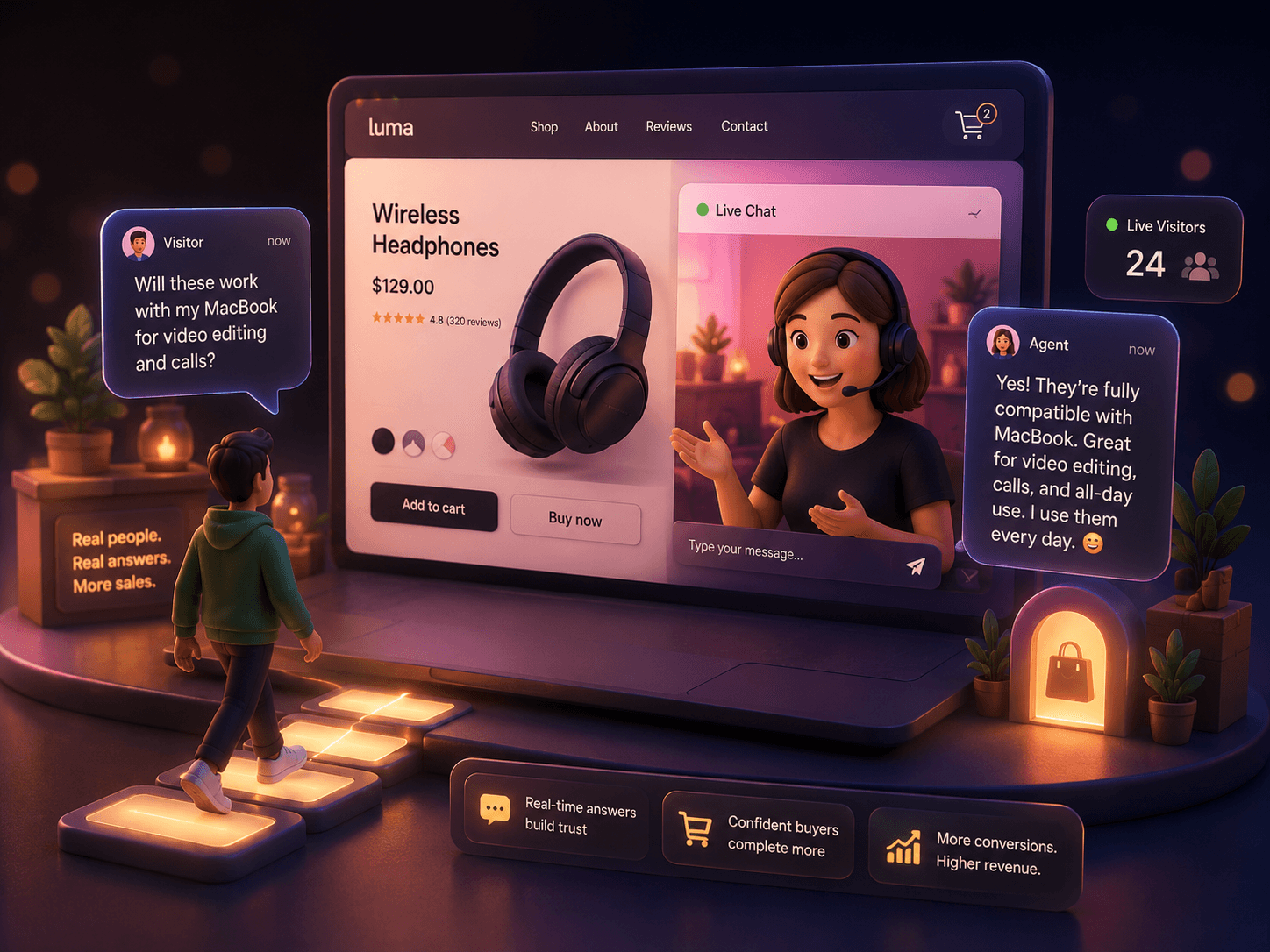
Selling online
Answer the real question
The question that decides the sale isn't in your FAQ. Be there to answer it in real time.
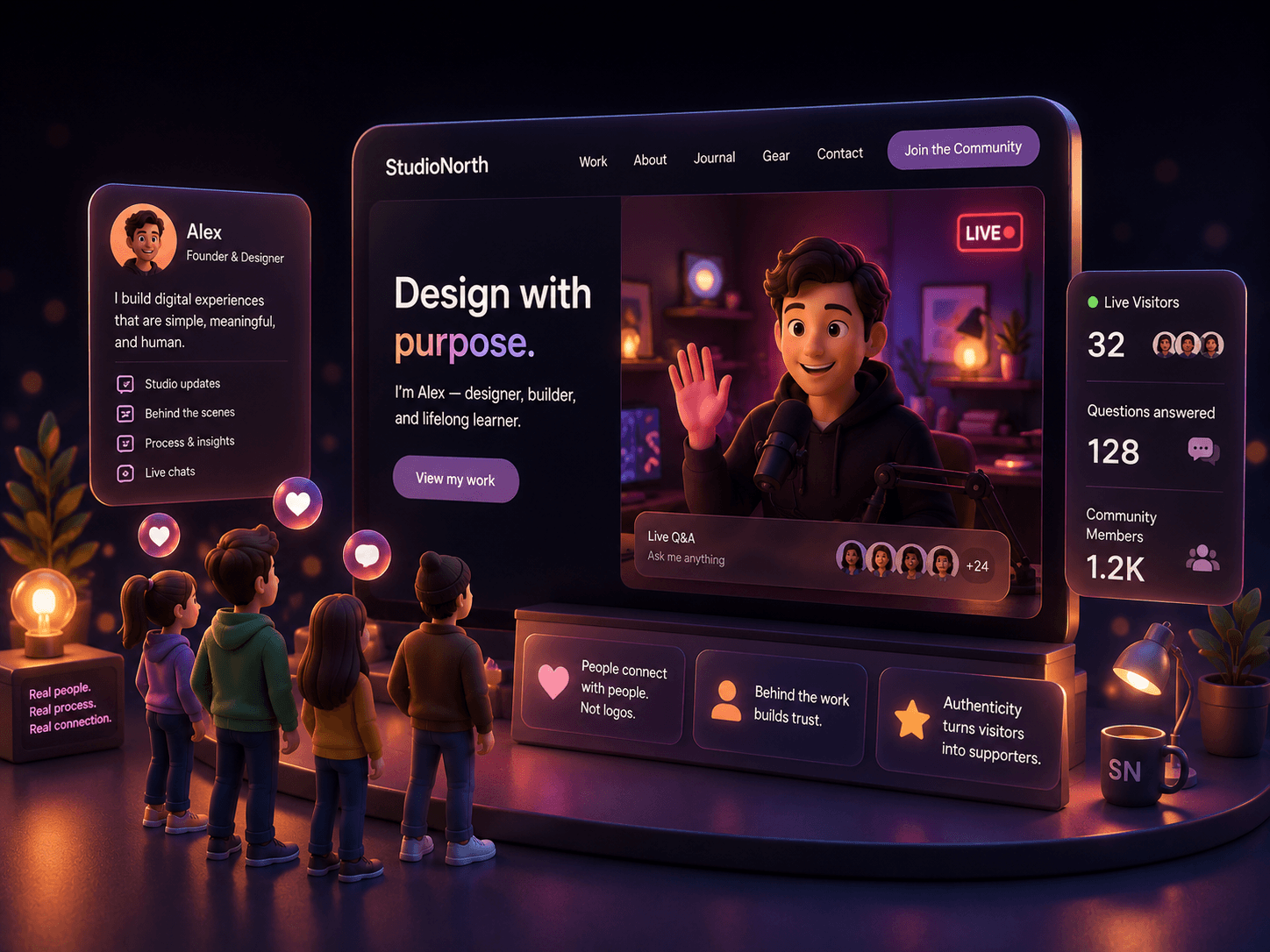
Building a brand
Show who's behind it
Let people see the person behind the work. Authenticity builds trust faster than any testimonial.
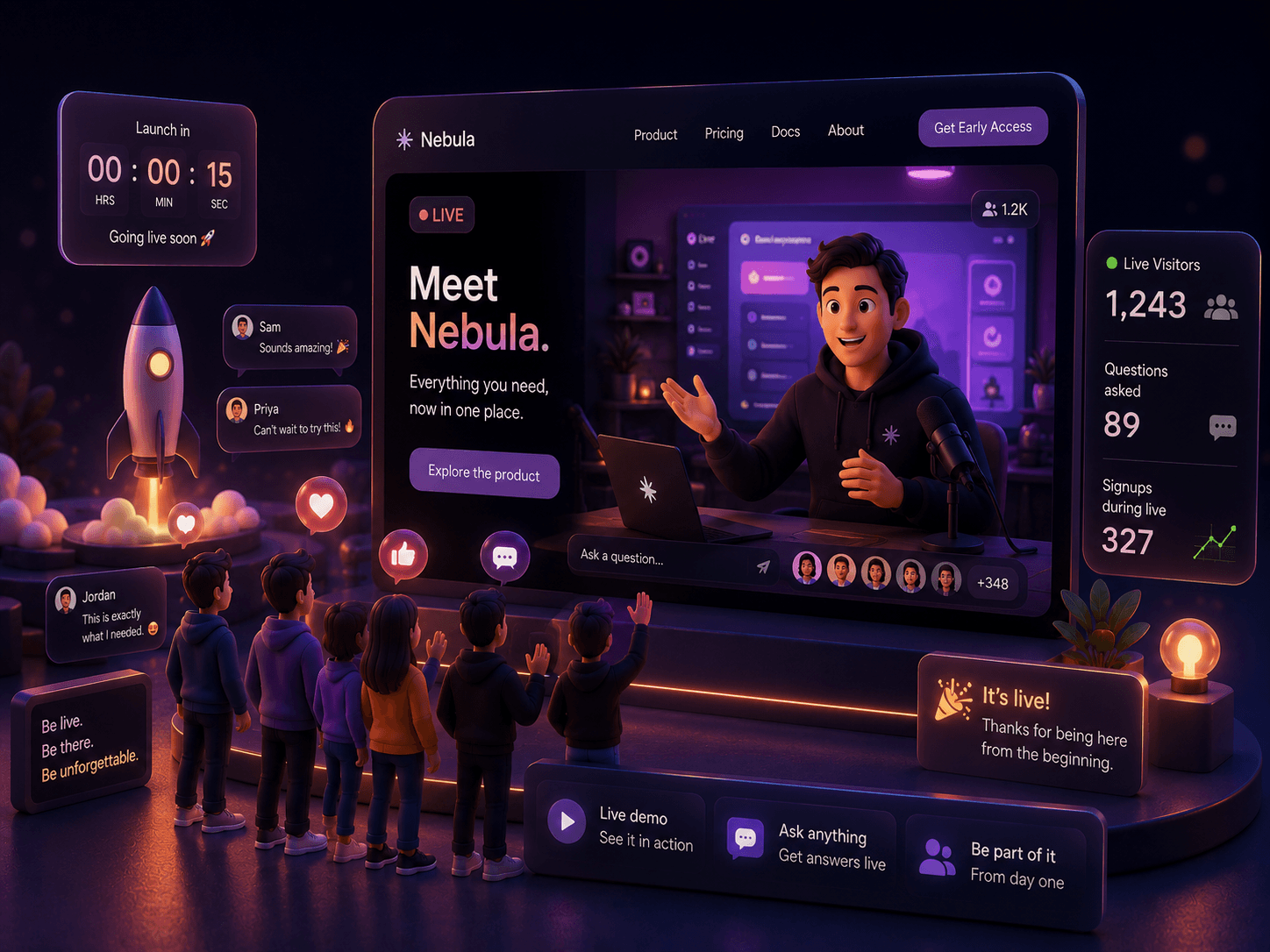
Launching something
Walk them through it
Give visitors a live demo the moment it goes live. First impressions happen in real time.
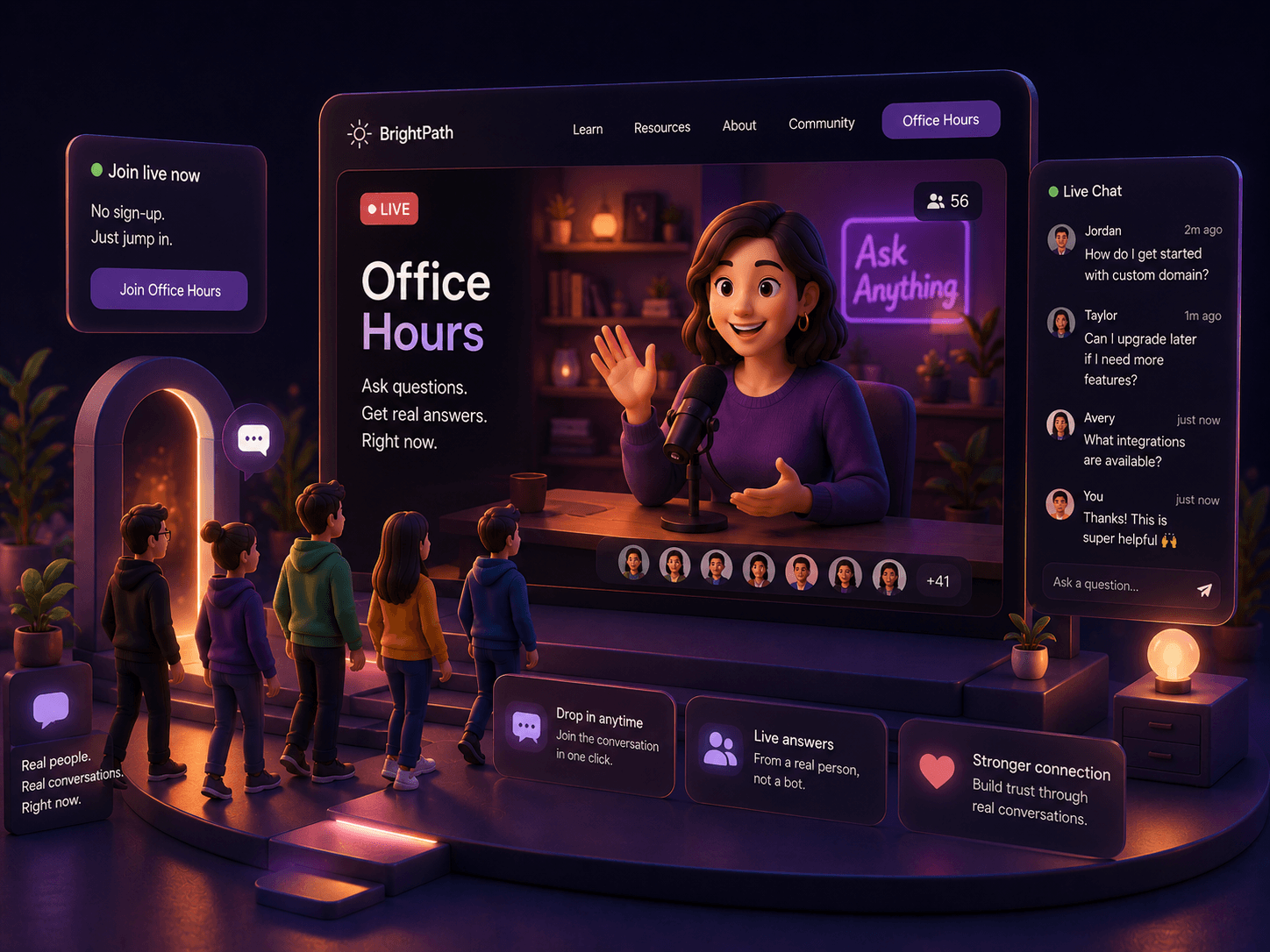
Doing a Q&A
Open office hours
Host drop-in sessions your visitors can actually attend. No calendar links, no friction.
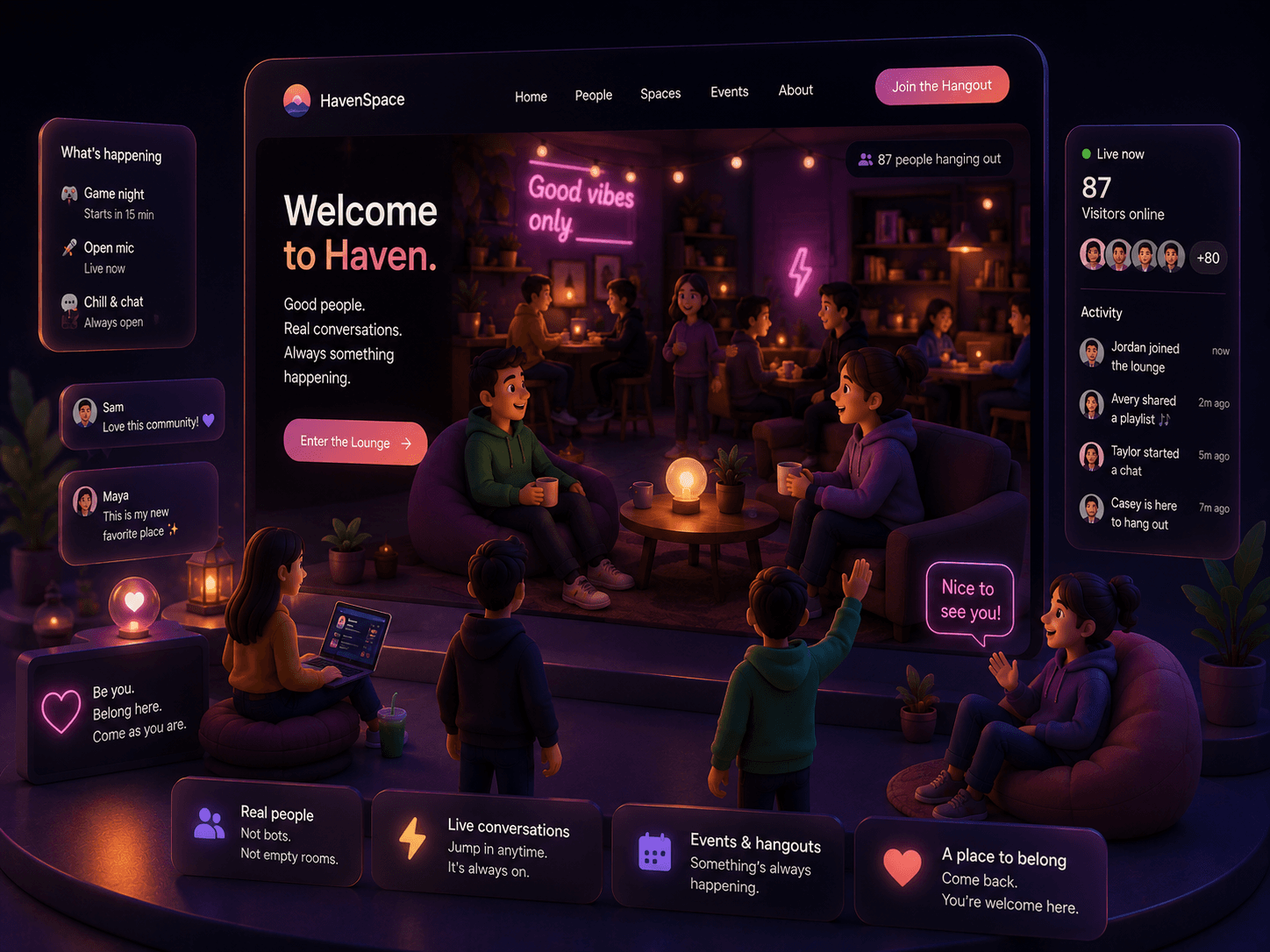
Just hanging out
Make it feel alive
Turn your site from a static page into a place. Somewhere people want to come back to.
Swipe to exploreUse arrows or swipe to explore
Paste a snippet. You're live.
Add the embed snippet to your site. Works with any website — WordPress, Squarespace, Webflow, custom HTML, whatever you're running. Then open your dashboard, and you're broadcasting.
Choose between a floating widget that sits in the corner of your page, or an inline embed that flows right into your layout.
<script src="https://streamtosite.com/api/widget/YOUR_ID/widget.js" defer></script>
Features
Everything you need.
Nothing you don't.
StreamToSite keeps it simple — go live from your browser, drop a snippet on your site, and your visitors are watching and chatting in real time.
Already use OBS, Ecamm, or Streamlabs?
Any app that outputs to a virtual camera works. Set up your scenes and sources the way you like, then select the virtual camera in your dashboard.
Live visitor chat
Visitors on your site can drop a message in real time.
Simple to install
Copy a small embed snippet into your site and you're good to go.
Works on any site
Squarespace, Webflow, Shopify, Wordpress, custom code. It's all good.
Your dashboard, your studio
Browser-based studio with scene switching, camera and audio controls built in.
Pricing
Pay for what you use.
Nothing more.
A small base fee keeps your dashboard and widget active. Streaming costs only add up when people are watching. Try it free for 7 days.
Base fee
$7per month- Widget embed on unlimited sites
- Live chat for all visitors
- Dashboard & stream controls
- 7-day free trial
Streaming
$0.004per viewer-minute- Prepay balance to your account
- Pay only when people are watching
- Nobody watching? Zero charge
- 100 free viewer-minutes for new users
Estimate your monthly bill
adjust the sliders
Frequently asked
Everything you might
be wondering.
Still have a question? Send us a note. We read every one.
No. Any browser, any laptop with a webcam, any modern phone. That's it. There's no OBS, no RTMP, no streaming keys. Open your dashboard, click Go Live, and you're broadcasting.
If you can paste an iframe or a small script tag, yes. It works on Shopify, Wix, Webflow, Framer, Squarespace, custom React or Next apps, and plain HTML. Anywhere a basic embed is allowed.
By default the widget shrinks to a small "offline" badge in the corner, or you can hide it completely. You set what visitors see: a custom image, a short message, or nothing at all. No broken video player, no awkward placeholders.
Not at all. Plenty of streamers use a logo, a static image, an animated background, or a screen share. The whole point is presence, not necessarily your face. If a podcast can work without video, so can this.
Yes, as long as your software can output to a virtual camera. Most major tools (OBS, Streamlabs, Ecamm, Airtime, Restream Studio) have a built-in virtual webcam toggle. Turn it on, then pick that virtual camera in your dashboard. You get all your overlays, scenes, and effects feeding straight into your live stream on your site.
Yes. A live chat is built into the widget the moment you go live. You read messages on your dashboard while streaming and respond out loud or by typing back. Pin good questions, hide trolls, and keep the conversation flowing.
Sub-second. Streams run on WebRTC end-to-end, so it feels like a live video call with your visitors, not a broadcast on a 30-second delay. When someone asks something, they hear your answer almost instantly.
We count viewer-minutes. One person watching for ten minutes equals ten viewer-minutes. Each viewer's browser sends a tiny heartbeat every 30 seconds while they're watching, so your bill always reflects what was genuinely watched, never more.
Not right now. When your stream ends, it's gone — nothing is saved. The ability to record and replay streams is something we're planning to add in the future.
Your visitors are already there. Say hi.
Most websites are static. StreamToSite makes yours feel like somewhere someone actually is.
7-day free trial. $7/month after. Pay only for what you stream.
Already have an account?